When Google Maps Feels Too Close for Comfort
Knowing that anyone in the world could potentially view your home can feel like a real invasion of privacy.
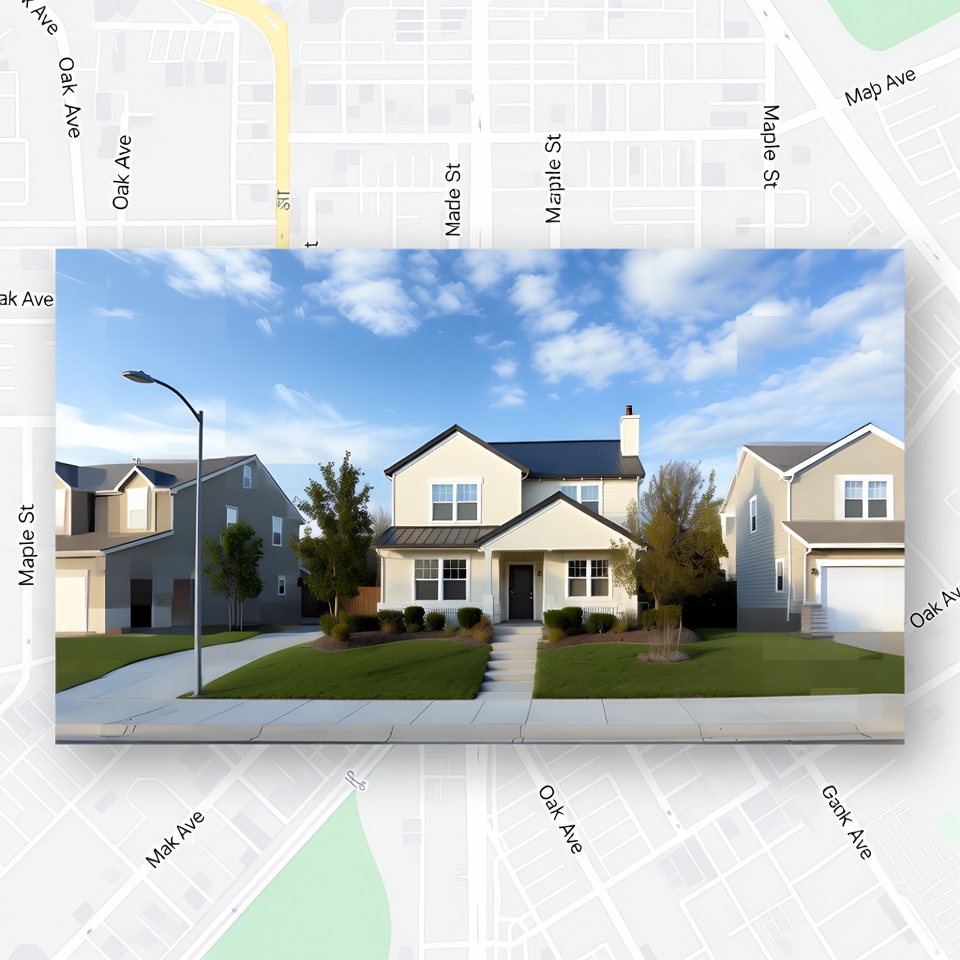
Google Maps is incredibly convenient and useful in many ways, but it can also create privacy concerns. If your home faces the street, there is a chance Google Maps has captured more of your property than you are comfortable sharing.
The good news is that there are simple and quick ways to make your house less visible on Google Maps.
Why Your Home May Be Visible
With today’s mapping technology, looking up almost any address or house is only a click away.
That convenience is part of what makes Google Maps so popular, but it also means street-facing homes may appear in public map views. For homeowners who value privacy, this can be frustrating.
How to Hide Your House on Google Maps
Here are several ways to help keep your home more private.
1. Use the Google Maps Street View Image Request
One of the first things you can do is submit a Street View image request.
Google gives users the option to ask for images of their house to be removed from Street View. To do this:
- Visit the Google Maps website.
- Find your home’s location.
- Click “Report a problem” in the bottom-right corner of the screen.
- Follow the instructions to report the issue and request image removal.
2. Change Your Google Maps Privacy Settings
You can also improve privacy by adjusting your Google Maps settings.
To do this:
- Open the Google Maps website.
- Click the menu icon in the top-left corner.
- Choose “Settings.”
- Select “Map and product settings.”
- Update your privacy settings, such as turning off location history or disabling location sharing with Google.
3. Ask Google to Blur Your House
If the other options are not enough, you can request that Google blur your home.
When approved, your house will appear as a pixelated blur on the map. To request this:
- Complete the “Request Blurring” form on Google’s website.
- Provide your name, email address, and your home’s location.
- Wait for Google to review the request.
If Google approves it, your house will be blurred on the map.
4. Live on a Private Road or in a Gated Community
Another way to keep your home more private is to live on a private road or inside a gated community.
These properties are usually less visible on Google Maps, and it is less likely that someone will be able to locate your home through the map. If you live in a gated community, keeping the gate closed and locked can also help prevent unauthorized access.
Protecting Your Privacy at Home
Google Maps is a valuable tool, but it can also raise real privacy concerns for homeowners.
If you want to limit how visible your house is, you can:
- Use the Street View Image Request
- Adjust your privacy settings
- Request that Google blur your house
- Live on a private road or in a gated community
Taking these steps can help you protect your privacy and keep your home less visible to the public on Google Maps.