Sent an Email You Regret? Gmail Lets You Take It Back
We have all had that sinking feeling after sending an email and instantly wishing we could undo it. Maybe it went to the wrong person, or maybe it was a message sent in frustration that you would rather pretend never happened.
The good news is that Gmail gives you a way to pull it back. But there is one important limitation: you have to act immediately.
Why You Can’t Wait Too Long
Gmail does let you unsend a message, but only during a very short cancellation window. If you wait too long—even minutes, hours, or days—you will no longer be able to stop the email.
That means timing is everything. You need to notice the mistake fast and use the undo option right away.
By default, Gmail may only give you 5 seconds to cancel a sent email. However, you can increase that grace period to as much as 30 seconds.
How to Undo a Sent Email in Gmail
If you send a message and quickly realize you do not want it to go out, follow these steps:
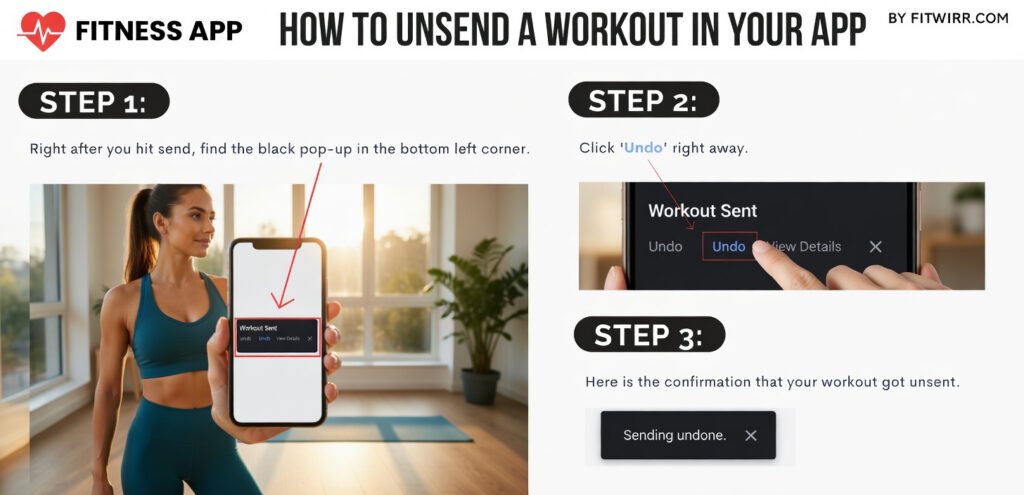
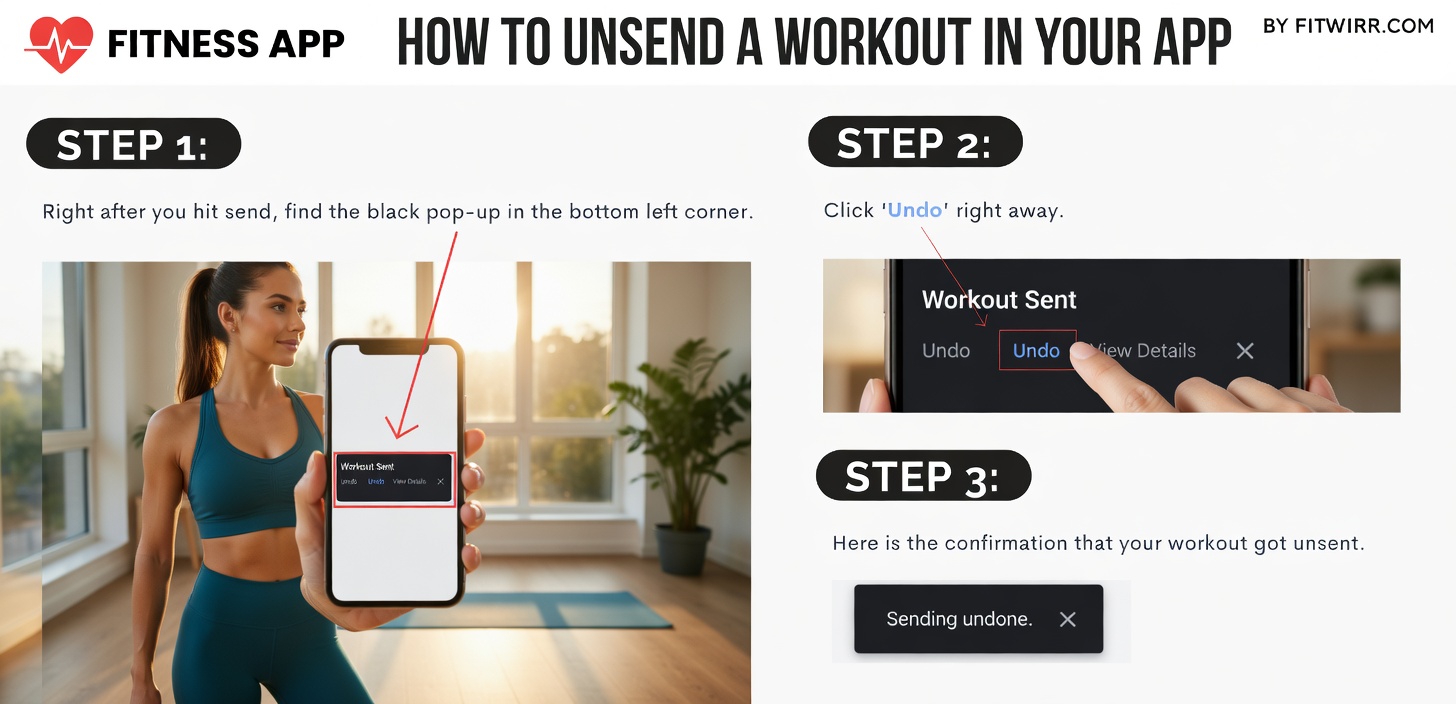
- Right after sending, look for the black Message Sent pop-up.
- Click Undo.
- You should then see Message Undone, which confirms the email was unsent.
If you do this in time, the person you sent it to will never see the message.
How to Extend the Undo Send Time
Gmail’s default cancellation period is 5 seconds, but you can change it to give yourself a little more time. The maximum is 30 seconds.
Follow these steps:
- Go to Gmail.
- Log in and click See all settings in the top right corner.
- Scroll until you find Undo Send.
- Pick a cancellation period from the drop-down menu: 5, 10, 20, or 30 seconds.
- Scroll to the bottom of the settings page and click Save changes.
The Simple Fix
If you want to avoid email regret, the key is to move quickly and give yourself the longest cancellation window possible. With Gmail’s Undo Send feature, you have a short chance to stop a message before it is seen. Setting it to 30 seconds can give you a little more breathing room when mistakes happen.