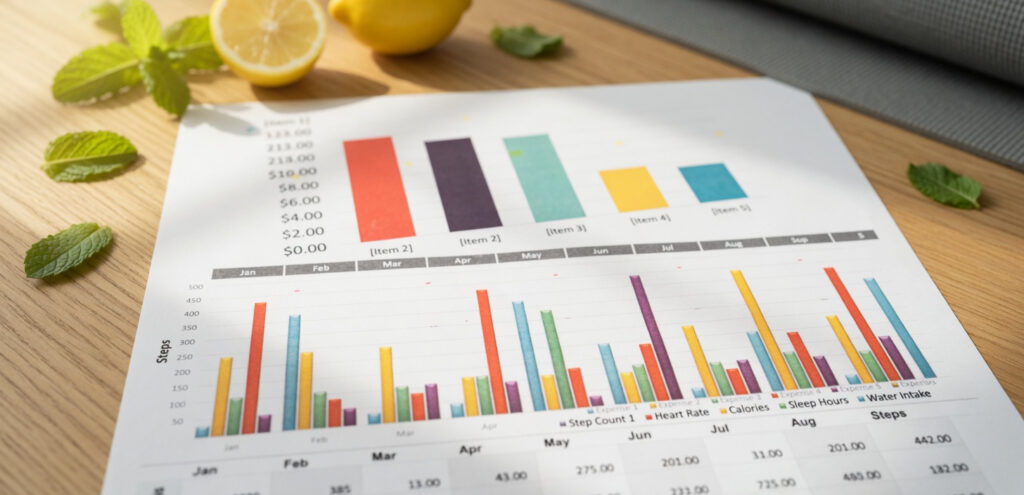
Why Excel Skills Matter in the 2023 Job Market
Starting a job search in 2023 can feel competitive, especially if you are entering office work for the first time or making a career change. One practical way to stand out is to strengthen your Excel skills.
Many workplaces are becoming more data-dependent as the world grows more data-driven. Because of that, employers increasingly value people who can use tools like Microsoft Excel confidently and keep up with the pace.
You do not need to master every part of Excel right away. What helps most is knowing which Excel skills employers commonly expect and highlighting those skills clearly on your resume.
What Causes Applicants to Fall Behind
A lot of roles do not require constant, heavy Excel use, but many still expect a solid foundation. At the same time, jobs that involve more data handling often require stronger skills that go beyond the basics.
That means job seekers can struggle for two reasons:
- They only know a small part of Excel
- They are not sure which Excel skills are most valuable for their target role
The good news is that focusing on the right skills can give you a real head start.
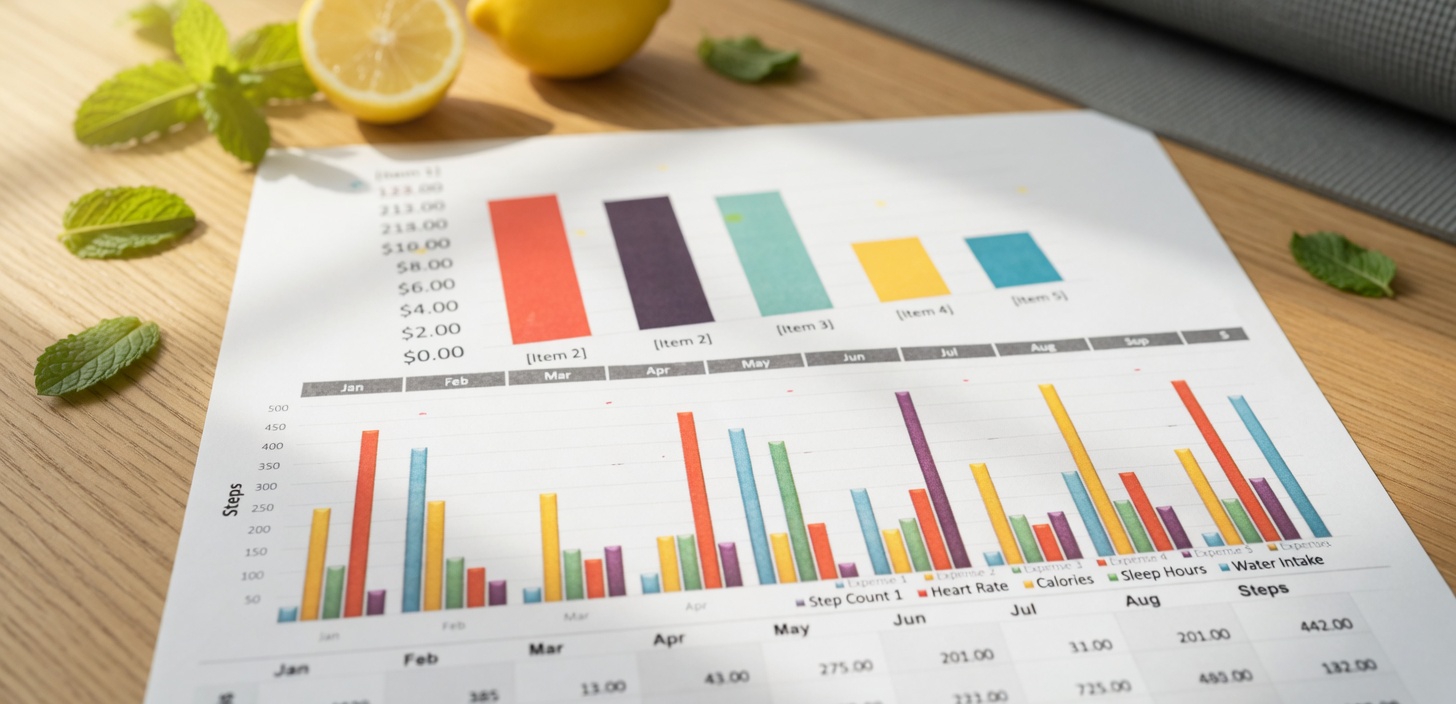
7 Essential Excel Skills Employers Look For
Basic Excel Skills
If a job asks for basic Excel knowledge, employers usually mean a core set of everyday skills.
1. Cell Formatting
Excel is built to collect data, organize it, and produce useful outputs. It can work with different types of information, including text, numbers, and graphs. Because of that, formatting and organizing data well is extremely important.
Useful formatting skills include:
- Automatically formatting cells
- Using conditional formatting
- Formatting values
- Organizing tables
If large sets of numbers feel intimidating, start with these basics. Strong formatting makes data easier to read and work with.
2. Basic Excel Functions
One reason Excel remains so valuable is its ability to perform functions from basic to advanced.
For entry-level roles, advanced functions may not always be necessary, but basic functions are important. Common examples include:
- SUM
- COUNTIF
- AVERAGE
- MIN
- MAX
- COUNTBLANK
These functions help you manage simple tables and basic data sets more effectively.
3. Shortcuts
Keyboard fluency is one Excel skill people often overlook. Learning shortcuts for repetitive tasks can save hours and improve both productivity and efficiency.
You do not need to memorize every shortcut at once. A simple starting point is pressing ALT, which displays available keyboard shortcuts on the screen.
Mid-Level to Advanced Excel Skills
If a role involves regular data manipulation, reporting, or analysis, basic skills may not be enough. More advanced Excel skills help you do more than organize information. They also support projections, presentations, and deeper data work.
4. Data Validation
As data sets become larger, data validation becomes more important.
Reliable analysis depends on valid data, especially when it is used for decision-making. One useful method is setting rules for what each cell can accept. For example, you can restrict entries to:
- Whole numbers
- Time
- Date
- Text with a limited length
This helps prevent incorrect data types from being entered and disrupting tables or calculations.
You can also add warning messages to alert users when the wrong type of data is entered.
5. Charts and Graphs
Data is much more useful when you can present it clearly and professionally. Excel can help turn analysis into visual presentations that are easier to understand.
Charts and graphs are valuable because they:
- Show correlations and relationships in data
- Present large or complex information more clearly
- Communicate ideas quickly using less space and text
If you want to go beyond basic visuals, interactive and dynamic charts can make reports more impressive and findings more persuasive.
6. PivotTable and PivotChart
PivotTable and PivotChart help you analyze data through patterns, comparisons, and trends.
They are useful for moving from raw data to a clearer summary of what the information means. While many people learn PivotTable first, PivotChart is also worth adding to your skill set.
PivotChart helps turn a sensible data set into a visual summary that communicates findings such as:
- Trends
- Patterns
- Comparisons
7. Data Protection
Excel files often contain sensitive information or private company data, so protecting them is an important skill.
Data leaks or bleach can create major setbacks and liability for a business. If protecting files is not already part of your workflow, it is a smart habit to build.
Simple protection steps can help limit access and keep data available only to authorized people. Adding a password to a workbook is one way to strengthen file security.
How to Use These Excel Skills to Your Advantage
If you are entering the job market in 2023, learning these Excel skills can help you stand out from other applicants. Start with the basics if you are aiming for general office roles, and build toward more advanced skills if your target job involves heavier data use.
To recap, the 7 Excel skills worth learning are:
- Cell Formatting
- Basic Excel Functions
- Shortcuts
- Data Validation
- Charts and Graphs
- PivotTable / PivotChart
- Data Protection
Choosing the right Excel skills for your career level can make your resume stronger and help you feel more prepared for the workplace.